Canvas how-to guides for teachers
The Canvas jobs that eat a teacher’s evening, one at a time. Each guide shows the problem, the steps in Canvas by hand, and the fix: a prompt you can copy into Course++ so it does the job in your course.
A new term
Rolling a course over, and fixing what the copy missed.
-

How to shift all your course dates to a new semester in Canvas
Copied your course and the dates are last term’s, or blank? How to shift everything to the new semester in Canvas, and the one-sentence way with Course++.
-

How to set due dates for many Canvas assignments at once
Need dates on 40 assignments without opening each one? How to use Canvas’s Edit Assignment Dates list, and how to give Course++ a weekly pattern instead.
-
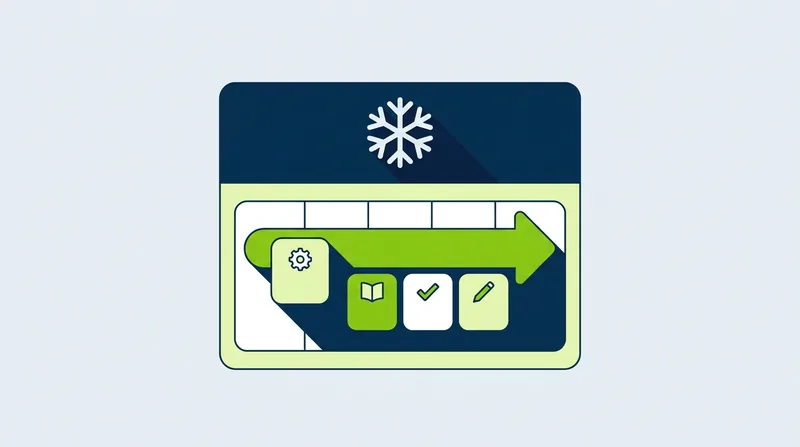
How to move every due date in a Canvas unit at once
Snow day? How to push a whole unit’s due dates back in Canvas by hand, with Edit Assignment Dates or one item at a time, and the one-sentence way with Course++.
-

How to fix links that still point to the old course after a Canvas copy
After a Canvas course copy, some links can still point to an old course, and students hit “not found.” Find and fix them by hand, or with Course++.
-

How to move scheduled announcements and calendar events after a Canvas copy
After a copy, scheduled announcements and calendar events can keep last term’s dates. Move them one by one in Canvas, or tell Course++ the new start date.
-
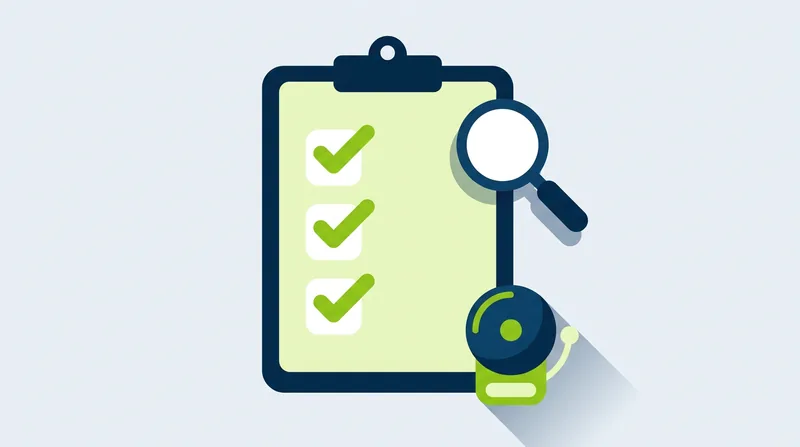
How to check your Canvas course is ready before the term starts
Before students arrive: find unpublished items, missing due dates, early locks, old links and empty modules in Canvas, or with one read-only Course++ audit.
Quizzes and tests
Practice quizzes, question pools, and quizzes from what you already have.
-

How to make a practice quiz in Canvas that doesn’t count toward the grade
Want an ungraded practice quiz in Canvas? Set Quiz Type to Practice Quiz in Classic Quizzes, or use zero points in New Quizzes. Or ask Course++ in one sentence.
-
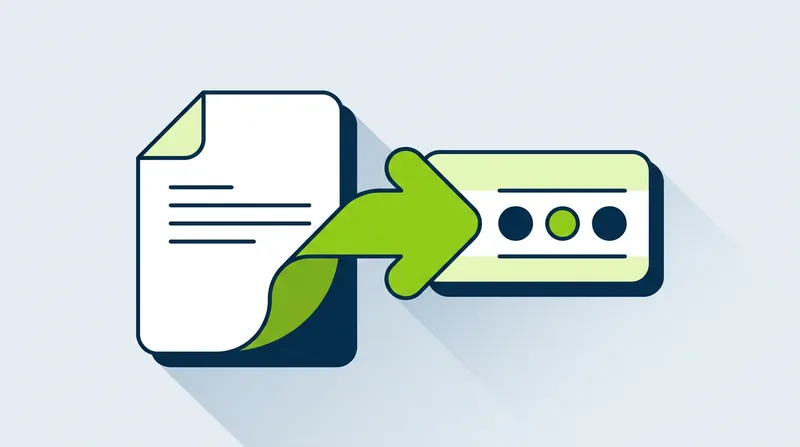
How to turn a PDF test into a Canvas quiz without retyping it
Canvas can’t read a PDF test, so you retype every question and answer. Here is that way by hand, and how Course++ builds the quiz from your attached PDF.
-
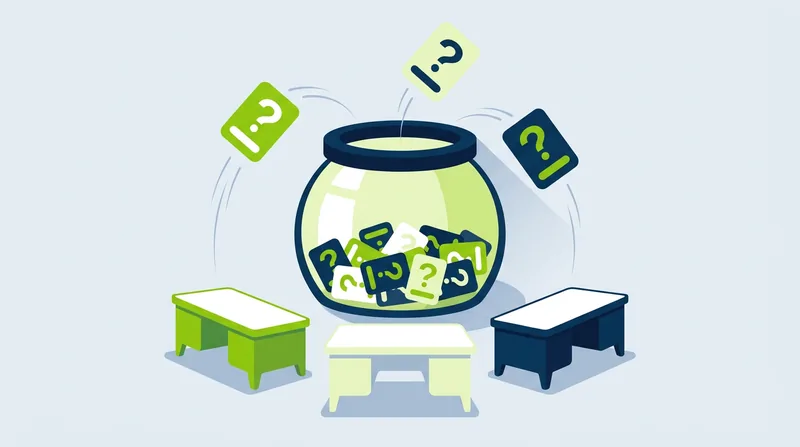
How to give each student different quiz questions in Canvas
Want each student to get a different set of questions? Use a question group in a Canvas classic quiz: pick 10 of 30. Or have Course++ build the pool for you.
-

How to write a quiz from a chapter or article in Canvas
Canvas can’t write quiz questions from a reading. Here is how to build one by hand, and how Course++ drafts it from a PDF or a page already in your course.
-
How to add a self-check quiz to every module in Canvas
Want a short ungraded quiz at the end of every module? Canvas makes you build each one by hand. Here is how, and how Course++ adds them all in one request.
Building lessons and courses
Modules, pages, slideshows and whole units, from your outline or objectives.
-

How to build weekly modules from a course outline in Canvas
Canvas can’t turn a semester outline into modules. How to build one module per week by hand, or paste your outline into Course++ and let it build them.
-

How to build a unit from learning objectives in Canvas
Canvas has no unit builder. How to assemble a unit by hand, or give Course++ three to five learning objectives and review the unit it drafts, unpublished.
-

How to turn a PDF into a Canvas page students can read
Canvas doesn’t convert a PDF into a page. How to rebuild a handout as a readable Canvas page by hand, or attach the PDF to Course++ and ask it to do it.
-

How to make a lesson slideshow inside Canvas
Canvas pages can’t run slides. How to share a lesson slideshow by hand with PowerPoint or Google Slides, or have Course++ build one and link it in a module.
-

How to make students finish Module 1 before Module 2 in Canvas
Want Module 2 locked until Module 1 is done? How to set prerequisites and completion requirements in Canvas by hand, and the one-sentence way with Course++.
-

How to write or update the Syllabus page in Canvas
Pasting a Word syllabus into Canvas breaks the formatting. How to write or update the Syllabus page by hand, and the faster way to do it with Course++.
Assignments and grading setup
Rubrics, weights and policies. Course++ sets these up; Canvas and you do the grading.
-
How to add a rubric to a Canvas assignment
Building a Canvas rubric row by row takes a lot of clicking. See the steps by hand, the setting people miss, and the one-sentence way with Course++.
-

How to reuse one rubric on several Canvas assignments
Rebuilding the same rubric on every assignment is slow. Use Find Rubric in Canvas, or tell Course++ once and have it build the rubric and attach it to them all.
-

How to weight assignment groups in Canvas
Tests 40%, homework 30%? Set up Canvas assignment groups and weights by hand with the weighting checkbox, or tell Course++ the percentages and it sets them up.
-

How to drop the lowest quiz score in Canvas
Want each student’s lowest quiz score dropped? Canvas can do it with assignment group rules. Here are the steps by hand and the one-sentence way with Course++.
-
How to set an automatic late penalty in Canvas
Taking points off late work by hand is slow and uneven. Use Canvas’s late policy in Gradebook Settings, or ask Course++ to set it up. It asks before it changes.
-

How to create graded discussions for a whole unit in Canvas
Setting up a unit of graded discussions in Canvas means repeating the same form each time. Here is the by-hand way, and how to build them all with Course++.
Looks, links and accessibility
Consistent pages, working links, image descriptions and announcements.
-

How to give every Canvas page the same clean look
Canvas has no page templates, so pages drift apart. Here is how to match headings, banners and boxes by hand, and the faster way with Course++.
-

How to add missing alt text and fix heading order in Canvas
Missing alt text and skipped headings hide across dozens of Canvas pages. Here is how to fix them by hand, and how Course++ reads and fixes many pages at once.
-

How to find and fix broken links in a Canvas course
A link checker is built into Canvas, but it only lists the problems. Here is how to run it, fix what it finds, and let Course++ check and repair links for you.
-

How to schedule Canvas announcements to post later
Write a week of Canvas announcements on Sunday and have them post on their own. How to use Available from by hand, and how Course++ schedules them for you.
Comparing AI tools for Canvas
-
Course++ vs Canvas IgniteAI
How Course++ compares with Instructure’s built-in AI, with sources.
-
Course++ vs MagicSchool and Brisk
What each tool is good at, and when a teacher should pick which.
Canvas steps checked against Instructure’s own Canvas guides in October 2026. Canvas changes its screens from time to time, and schools turn features on and off, so a button may be named a little differently in yours.